

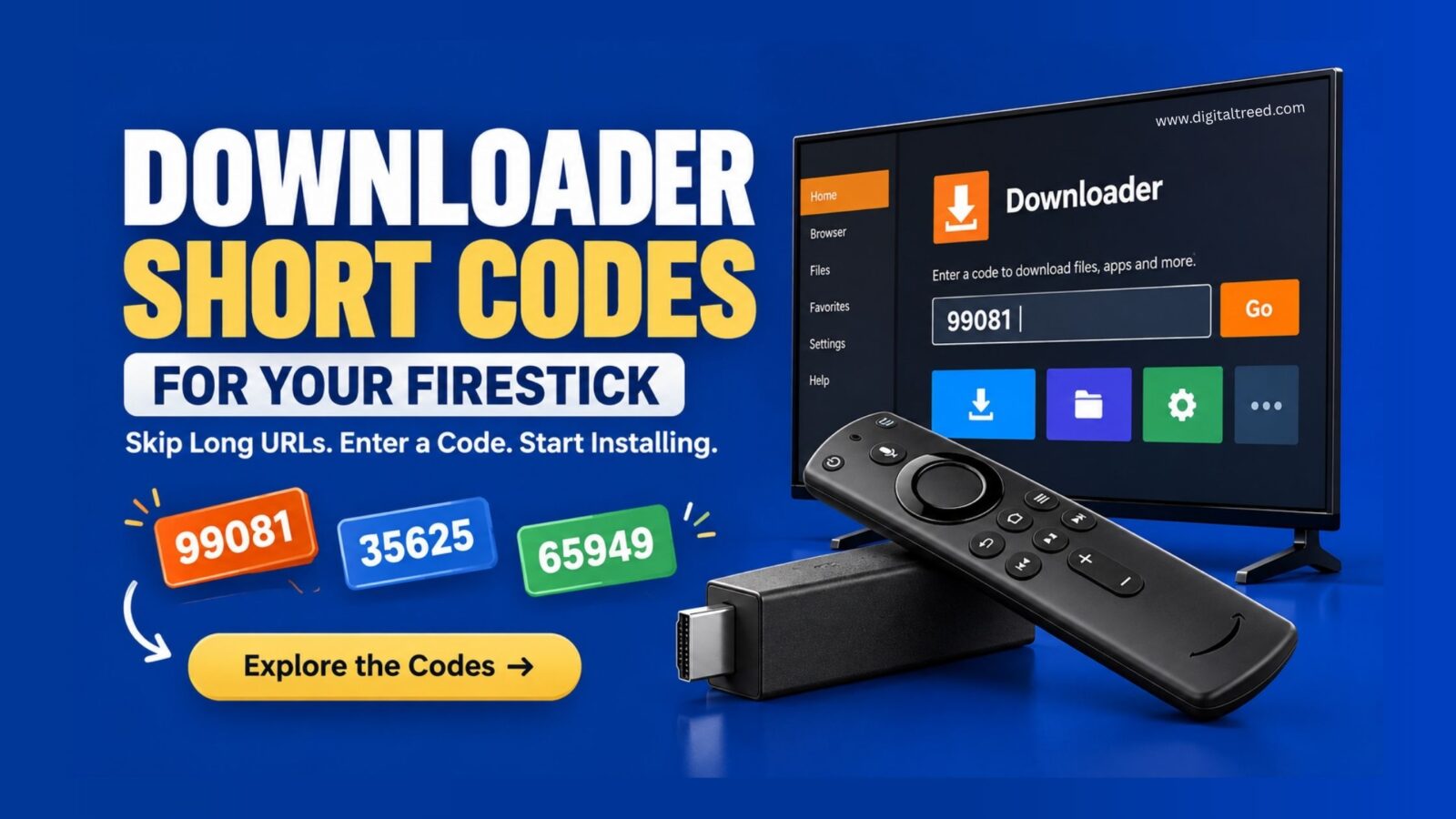
A Downloader code is a short numeric shortcut, like 730116, that you type into the Downloader app instead of a long web address to sideload an app onto your Firestick or Android TV device. The Downloader app itself, made by AFTVnews, is a real, legitimate tool with over 100 million users and a listing on both the Amazon Appstore and Google Play. What the code actually resolves to matters more than the code itself, though. A legitimate code points to a real app’s official download page. A bad one can hand you a modified APK, a fake clone charging a subscription for a free app, or something bundled with junk you didn’t ask for. Here’s how the codes actually work, which ones are genuinely safe, and what to check before you type any code you find online.
What Is a Downloader Code, Exactly?
Fire TV and Android TV devices don’t have a full web browser built in by default, which makes typing a long download URL with a remote control painfully slow. Downloader solves that by letting a developer register a short numeric code that automatically expands to their app’s actual download link. Type the code, hit Go, and Downloader fetches the file the code points to.
That’s the entire mechanism. A code isn’t inherently safer or riskier than a URL, it’s just shorter. The safety of using one depends entirely on who registered it and where it actually sends you, which is exactly why blindly typing codes from a random list is where problems start.
Is the Downloader App Itself Safe to Use?
Yes. Downloader by AFTVnews has been around since 2015, is available through official app stores, and is one of the most consistently recommended sideloading tools across independent tech coverage. The AFTVnews blog itself is the developer’s own official source for updates and guidance on the app.
That said, sideloading itself carries more risk than installing from a verified store. Official stores review submissions before listing them. Sideloaded content, using any app to install something outside the Amazon Appstore or Google Play, skips that review entirely. Downloader being safe doesn’t make everything you sideload through it automatically safe too.
How to Set Up Downloader on Firestick
- From your Firestick home screen, go to Settings, then My Fire TV (or Device), then Developer Options.
- Turn on Apps from Unknown Sources. This permission is required for any sideloading, not specific to Downloader.
- Search for “Downloader” in the Amazon Appstore and install it, rather than sideloading Downloader itself from a third-party source.
- Open Downloader and you’ll see a URL entry field. This is where you type either a full web address or a short numeric code.
- Enter a code, select Go, and the app resolves it to the destination and begins the download.
Verified Safe Downloader Codes
These are legitimate, well-documented codes tied to real, official apps, confirmed consistently across multiple independent sources.
Pluto TV: 730116. Pluto TV is a genuinely free, ad-supported live TV and on-demand service with real licensing agreements, not a piracy app. This code is consistently cited across independent Firestick guides as pointing to Pluto TV’s legitimate download page. Since Pluto TV’s newest app versions aren’t always compatible with older Fire OS builds, some guides recommend sideloading a slightly older version specifically for compatibility, which is a normal, safe practice for this particular app.
SmartTube Next: 68472. SmartTube Next is a well-regarded, open-source YouTube client built specifically for Android TV interfaces, offering a smoother TV-optimized experience than the standard YouTube app in some cases. As open-source software, its code is publicly auditable, which is part of why it’s widely trusted in the streaming device community.
For most other legitimate apps, you often don’t need a code at all. Tubi, Pluto TV’s current version, Plex, and major VPN apps are typically available directly in the Amazon Appstore or Google Play. Installing from the official store is always the better first move when an app is actually listed there. Reserve Downloader and its codes for the specific cases where an app genuinely isn’t available through the official store for your device or region.
The Security Risks Most Code Lists Don’t Mention
This is the part that actually matters more than any specific code, and it’s consistently underexplained in most “best downloader codes” roundups.
Fake Downloader clones charging a fee. Downloader itself is free and made by AFTVnews. Be cautious of similarly-named apps in any store that charge a subscription or one-time fee for what should be a free tool.
Codes that ask you to disable security features. If following a code’s instructions tells you to turn off Google Play Protect or other built-in security scanning beyond the standard “install unknown apps” permission, that’s a red flag. A legitimate app doesn’t need you to weaken your device’s baseline security to install it.
Bundled apps you didn’t ask for. Some sideloaded installers quietly bundle extra APKs alongside the one you wanted. Only install what you specifically went looking for, and be suspicious of an installer that wants to add “bonus” apps.
Codes that point to a direct APK instead of a store or official page. When possible, a code that lands you on a proper store listing or the developer’s official page gives you real context, the developer name, permissions requested, and version history, before you install anything. A code that jumps straight to a bare APK file skips all of that context.
Permissions that don’t match the app’s purpose. A basic video player asking for access to your text messages or contacts is a mismatch worth stopping over, regardless of how the app was installed.
The Legal Line: What’s Actually Fine and What Isn’t
Sideloading itself is completely legal. Installing a media player, a launcher, a utility app, or an open-source tool through Downloader carries no legal issue whatsoever. The player software is neutral; it’s just a tool.
Where it crosses into real legal risk is the destination, not the method. An app or service built specifically to stream copyrighted movies, TV shows, or live sports without a license or subscription is illegal to use regardless of which tool you used to install it. If a code promises free access to premium cable channels, live sports without a subscription, or current movies with no service behind it, walk away. That’s not a legitimate use case Downloader was built for.
Frequently Asked Questions
What is a Downloader code? A short numeric shortcut that expands to a full web address inside the Downloader app. It lets you sideload an app onto a Firestick or Android TV device without typing a long URL on a remote control.
Is the Downloader app safe to use on Firestick? Yes. Downloader by AFTVnews is a legitimate, widely used app available through official app stores. The app itself is safe; the safety of what you download through it depends on the specific code or URL you use.
How do I use a Downloader code? Open the Downloader app, enter the numeric code in the URL field, and select Go. The app resolves the code to its destination and begins downloading automatically.
Do I need a code for every app I want to sideload? No. Many legitimate apps, including Tubi, Plex, and most VPN services, are available directly through the Amazon Appstore or Google Play without needing Downloader or a code at all. Check the official store first.
Are Downloader codes illegal? No, the codes and the Downloader app itself are completely legal. What can be illegal is using them to install an app or service that streams copyrighted content without a license, which is a legal issue with that specific app, not with sideloading as a method.
Why do some Downloader codes stop working? Codes point to a URL the app’s developer controls. If that developer updates, removes, or repoints the destination, a previously working code can start landing on an error page or a different app entirely.
What’s the difference between a Downloader code and a regular APK download? A code is just a shortcut to a URL, functionally identical to typing that full address yourself. It doesn’t add or remove any security, it only saves you from typing a long link on a remote control.
Conclusion
Downloader codes are a genuinely useful shortcut for a real, legitimate sideloading tool, but the code itself is never the thing to trust, what it actually points to is. Stick to verified codes for licensed apps like Pluto TV and SmartTube Next. Check the official app store first before reaching for Downloader at all. And treat any code promising free premium content, or asking you to disable your device’s security, as the clear red flag it is.
