
Wordpress
Technology · Category
Wordpress
WordPress guides for site owners who run their own sites: SEO, plugins, workflow and fixes for common errors. Step-by-step help to keep a WordPress site fast, indexed by Google and working.
- Articles
- 28
- Reads
- 86K
- Last updated
- Jan 4
Latest in Wordpress




Top 5 in Wordpress
Most read in this category.
-
 Data analytics trends for small business: act, try or ignore
9,566 reads
-
 Drupal: A Comprehensive Tutorial for Beginners
7,460 reads
-
 The requested URL was not found on this server WordPress 404 Page “Not Found” Error
4,715 reads
-
 WORDPRESS SEO GUIDE FOR BEGINNERS: 10 TIPS
4,447 reads
-
 How To Create free website : A Step-by-Step Guide
3,901 reads
All 28 articles
Wordpress
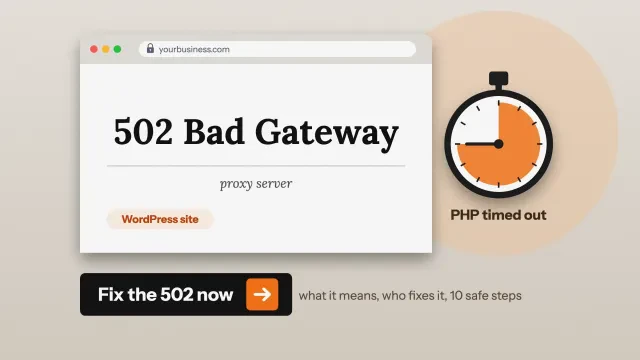
502 bad gateway in WordPress: what it means and how to fix it
What a 502 bad gateway error in WordPress means, who must fix it, 10 safe steps, Cloudflare codes 520 to 526 and our own test.
Wordpress
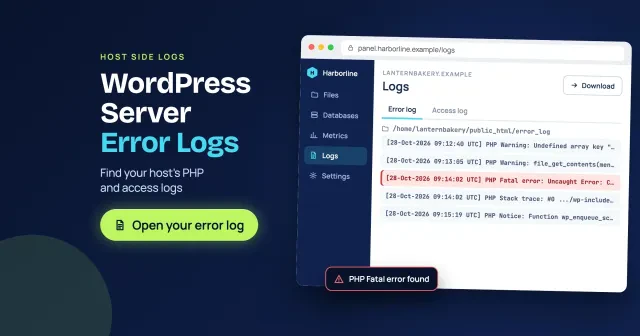
WordPress server error log: find your host's PHP logs
Where your WordPress server error log is on cPanel, WP Engine, Kinsta, DreamHost and your own Apache or Nginx server, how to read a PHP fata...

Wordpress
WordPress Websites Tutorial for Beginners
WordPress is the most famous blogging system on the web and allows updating, customizing, and handling the website from its back-end CMS and...

Wordpress
How to Fix Not Working Permalinks in WordPress
Before diving into the solutions, let's reinforce the importance of permalinks. These unchanging URLs are the foundational markers that guid...
Wordpress
The requested URL was not found on this server WordPress 404 Page “Not Found” Error
It is common that you to come across the WordPress 404 page error on your website if it is not maintained properly. But there are times when...
Wordpress
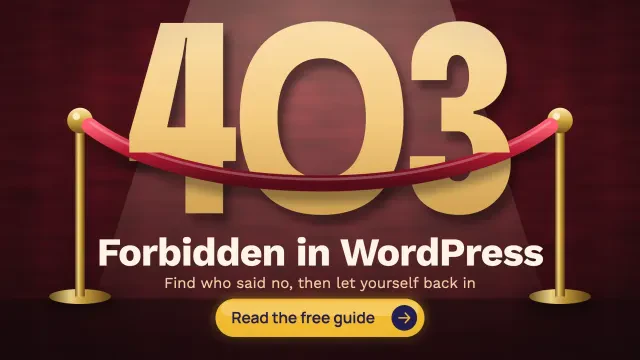
403 Forbidden WordPress error: find the cause and fix it
How to fix a 403 Forbidden error in WordPress: read the error page to find which layer said no, then fix plugins, .htaccess, permissions, th...
Wordpress
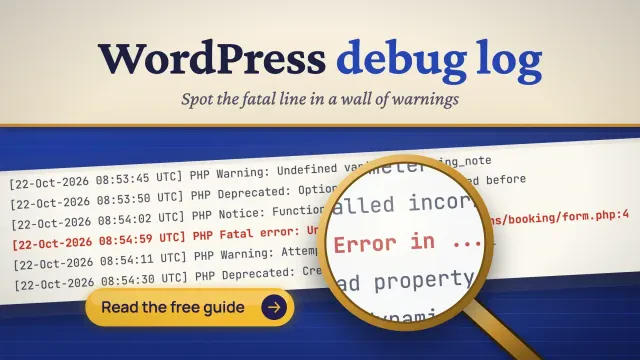
WordPress debug log: turn it on, read it, turn it off
Turn on the WordPress debug log with 4 wp-config.php lines. Find debug.log, see why it is missing, read a line, keep it private and switch i...
Wordpress
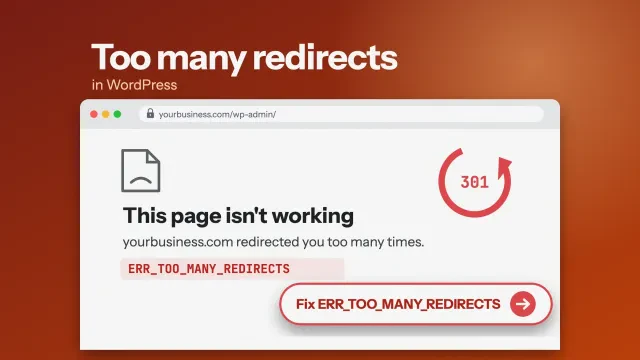
Too many redirects in WordPress: how to fix the loop
How to fix too many redirects in WordPress: read the error, trace the loop, then fix Cloudflare SSL, both site addresses and HTTPS rules in...
Wordpress
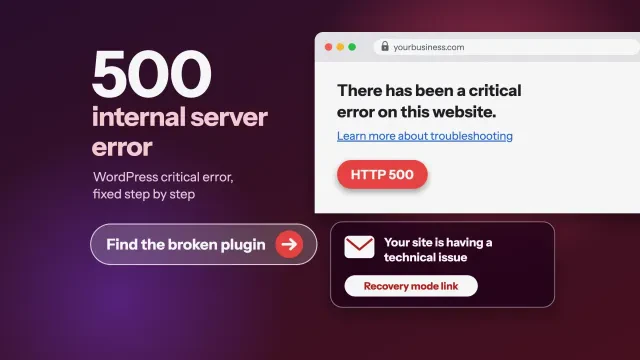
500 internal server error in WordPress: how to fix it
How to fix a 500 internal server error or "There has been a critical error" in WordPress. We cover our own test, the recovery email, error l...
Grow faster with the Marketing Magicians
Get a free quoteShare your expertise
Write for DigitalTreed or put your brand in front of our readers.
Write for us Advertise with us